See what breaks for your users
TraceForge catches the JavaScript errors, failing API calls and slow pages your users hit in production, groups them into issues, and shows you which ones matter.
npm install @traceforge/sdk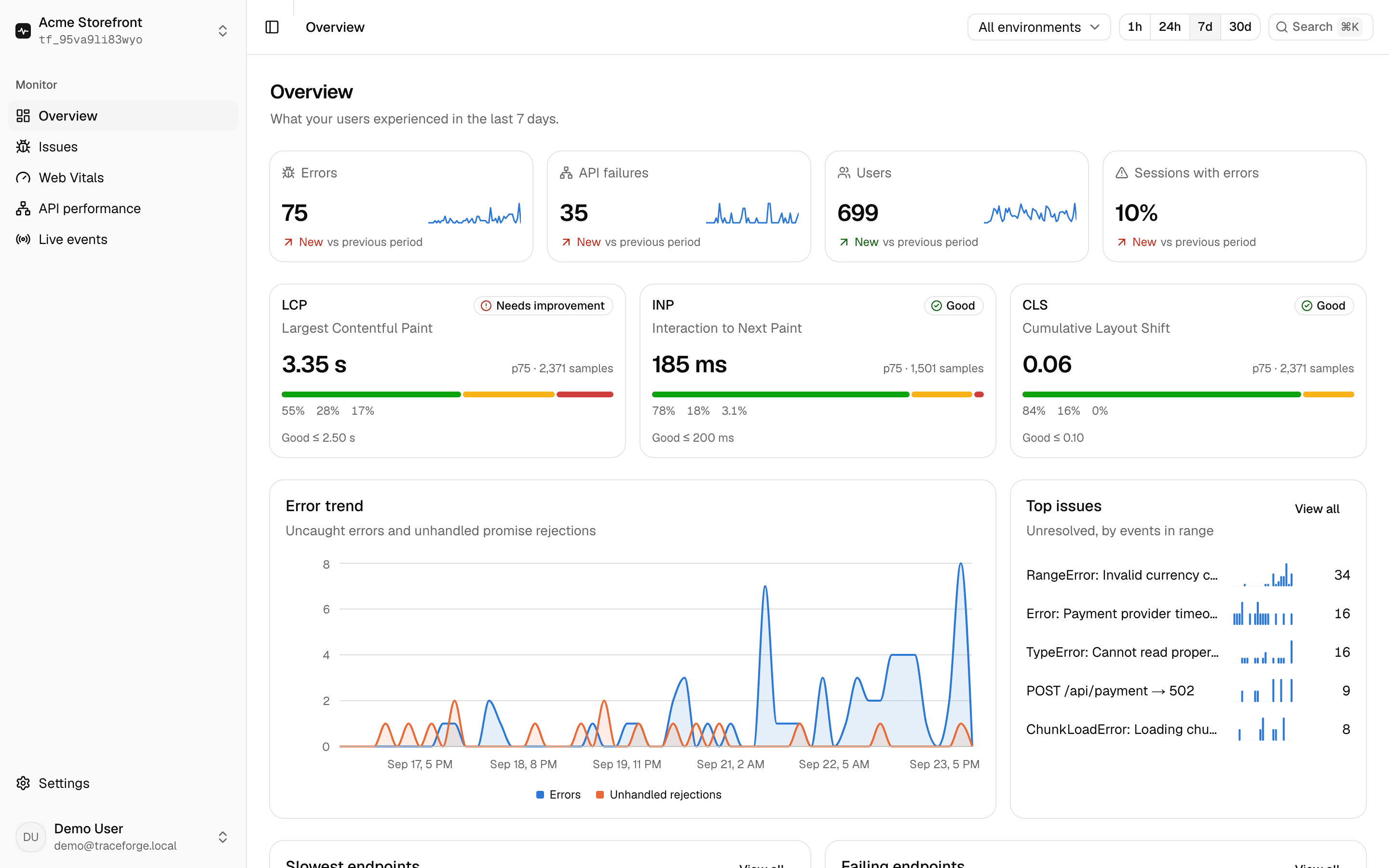
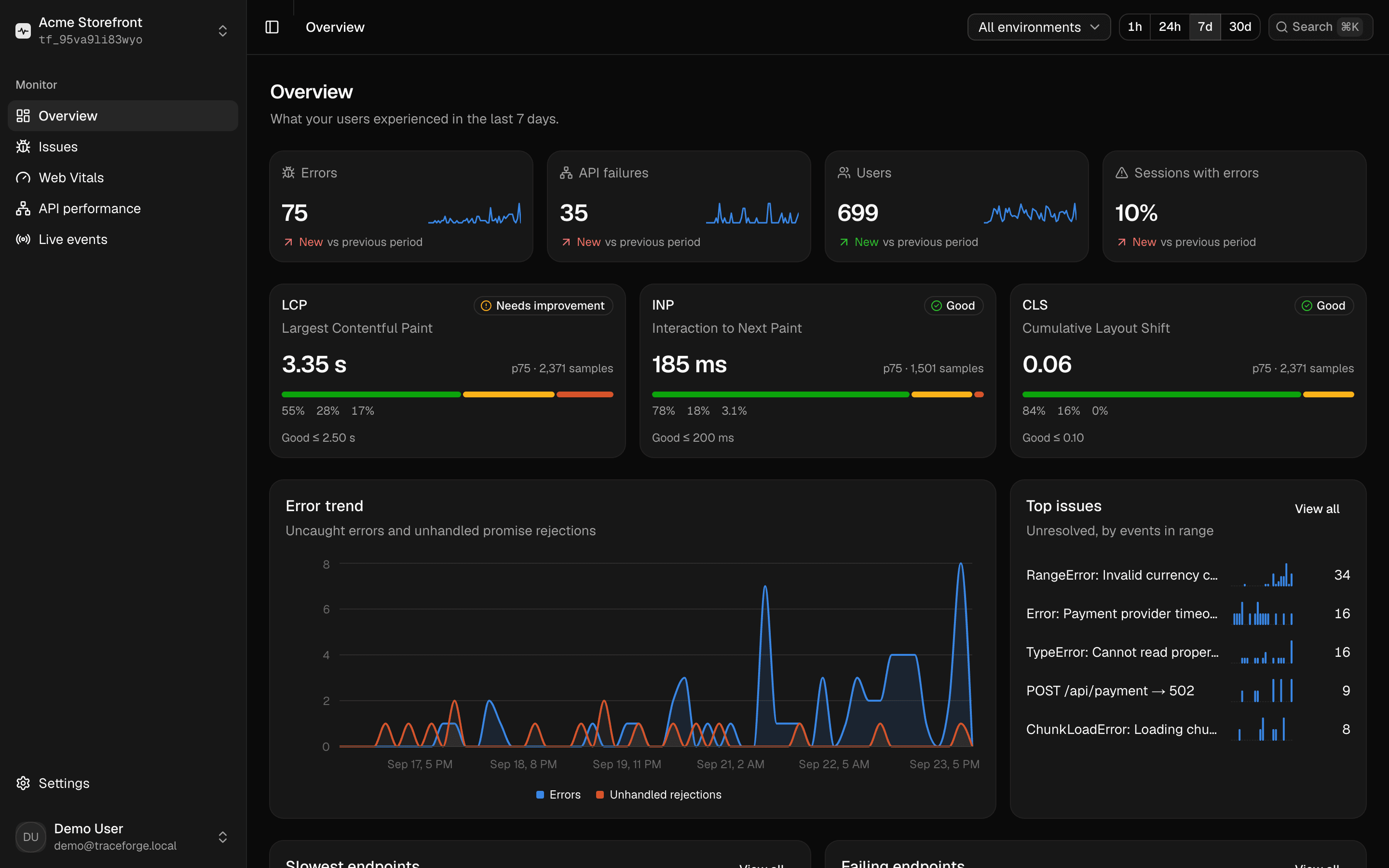
What failed, where, how often, and who it hit
Frontend bugs rarely reproduce on your machine. TraceForge shows you what real users ran into, grouped so you can fix the ones that matter first.
Three moments TraceForge is built for
Not another chart to check — the thing you reach for when something's actually wrong.
Set up in two minutes
Works with Next.js, React, and any site that can load a script.
Install the SDK
One package, no dependencies.
Terminalnpm install @traceforge/sdkInitialize it with your DSN
Create a project to get a DSN. It can only send events, so it's safe in frontend code.
instrumentation-client.ts// instrumentation-client.ts (Next.js) or main.tsx (React) import { init } from "@traceforge/sdk" init({ dsn: process.env.NEXT_PUBLIC_TRACEFORGE_DSN!, environment: "production", })Watch real sessions arrive
Errors, failing and slow requests, and Web Vitals show up in the dashboard within seconds. Nothing else to wire up.
Why open source
Most frontend observability tools are closed-source SaaS with per-event pricing. TraceForge is code you can read, run anywhere, and never outgrow a free tier on.
TraceForge
- MIT licensed — read every line, fork it, change it
- Self-host on your own infrastructure, or use the hosted instance
- Your events live in your Postgres database
- Free, with no per-event or per-seat pricing
A typical hosted tool
- Closed source
- Hosted only, or self-hosting locked behind an enterprise plan
- Your data lives in the vendor's database
- Free tier caps events, then a paid plan
Your users stay anonymous
TraceForge collects the technical context needed to debug, and nothing else. The defaults are the private ones.
Collected
- Error name, message and stack trace
- Request method, redacted URL, status and duration
- Web Vitals and page-load timing
- Route changes (paths only)
- Browser, OS and device type, viewport, language
- A random per-tab session id
Never collected
- Input values or form contents
- Passwords, cookies or Authorization headers
- Request or response bodies
- localStorage contents
- Query-string values (redacted in the browser)
- Any personal data, unless you opt in to an anonymous id
Find out what your users are running into
Create a project, paste one line into your app, and see real sessions within minutes.
Get started free